B&B Software With Online Booking and Payments
The best B&B software with online booking and payments gives you a Book Now page on your own website, takes a deposit by card when the guest books, and charges a small monthly fee per room with no contract. Check three things before you commit: whether the booking page works with the website you already have, whether card payments go to your own Stripe account, and whether the price scales with your room count instead of a flat fee built for a 100-room hotel.
Lodging Suite is built for exactly that kind of property. Below is what to look for, how deposits should work, and what it costs.
What should B&B software with online booking and payments do?
A B&B is not a small hotel with fewer rooms. You have one or two people running everything, guests who often book months ahead for a wedding weekend or a leaf-peeping trip, and a calendar where one missed booking really hurts. The software has to fit that.
Here is a practical checklist:
- A booking page guests can use without calling you. It should show live availability and rates, with room descriptions and a card checkout.
- It must work with your website. Plenty of B&Bs run on Wix, Squarespace or GoDaddy, and some on WordPress. You should not need to rebuild your site.
- Deposits paid by card at booking. A guest who has paid is far less likely to vanish on the day.
- One calendar. Phone bookings, website bookings and walk-ins all land on the same grid, so you cannot sell a room twice.
- Rates you control. Weekend pricing, a two-night minimum in October, a closed week in January, a coupon for returning guests.
- A fair price and an easy exit. Per room, per month, no setup fee, no contract.
How does a hosted booking page work for a B&B?
A hosted booking page is a page that lives on the software company's servers but carries your inn's name, address and phone number. You link your website's Book Now button to it. Guests search dates, pick a room, and pay. You do not touch your website's code.
In Lodging Suite, an owner or manager turns it on under Settings, Website booking. Your inn gets its own page at lodgingsuite.com/book/ followed by a name you choose. It has the same date search, room pages and card checkout as the WordPress plugin.
Three ways to use it:
- Link a button. Point the Book Now button on Wix, Squarespace, GoDaddy or a hand-built site at the page.
- Embed it. Paste the embed code into your own pages so booking happens inside your site. An iframe version is available for site builders that block scripts.
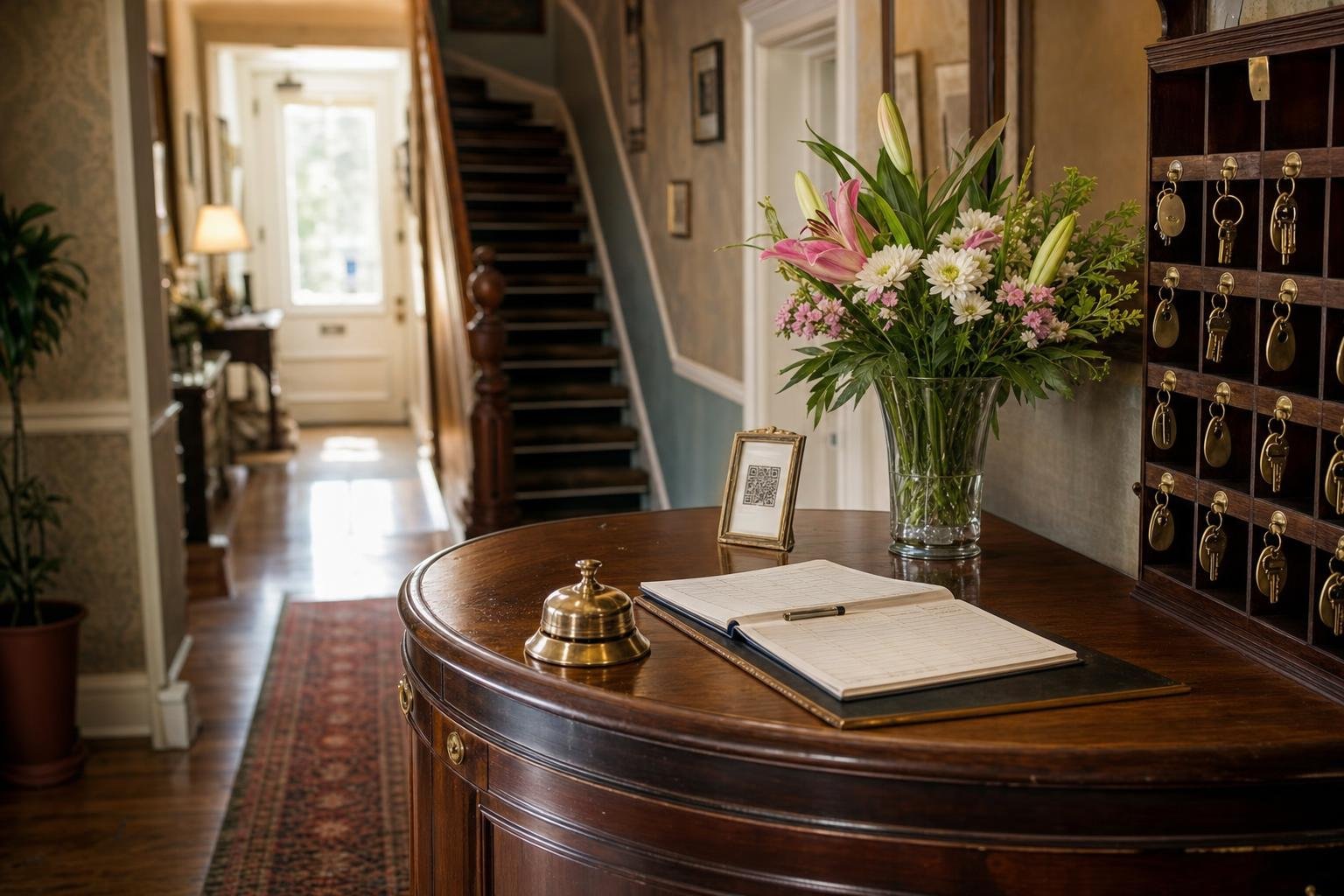
- Print the QR code. The page shows a QR code you can put on a flyer, a rack card or the sign by your front door.
If your site runs on WordPress, the Lodging Suite Booking plugin puts search, room pages, live rates and the booking form right on your pages. You generate an API key under Settings, Website booking, install the plugin, and paste in the key and property ID. Either way, every rate, season, closure and restriction you set is honored automatically. There is nothing to sync.
For more on the booking side, see the commission-free booking engine.
How do Stripe deposits work for an inn?
With Stripe Connect, you connect your own Stripe account under Settings, Payment. Guest payments go to your account. Lodging Suite never stores card numbers; Stripe handles them.
Once connected, you decide how payments behave:
- Deposit type: a percentage of the stay, a fixed amount, or the first night.
- Charge now or save the card: collect the deposit at booking, or keep the card on file for later.
- Capture timing: take the money immediately, or capture it at check-in.
- Card surcharge: an optional surcharge of up to 10 percent, if you choose to pass on card fees.
- Refunds: issue them from the reservation when plans change.
- Test mode: run a practice booking before you open to the public.
If you would rather not take cards online, there is a Pay on Arrival mode. On the WordPress plugin, depending on your setting, guests can also hold a room without paying. Many small inns start with Pay on Arrival and move to deposits after the first no-show.
Full details on folios, deposits and night audit are on the payments and billing page.
What deposit should a B&B ask for?
There is no single right answer, but here is how to think about it.
- First night is simple and easy to explain. It works well for a two- or three-night stay, because the guest understands what they are paying for.
- A percentage (say, a quarter or a half) scales with the length of the stay. It suits longer bookings and holiday weekends.
- A fixed amount is the easiest to communicate, and it suits properties with similar-priced rooms.
Think about your worst case. If you have four rooms and a Saturday no-show leaves one empty, that night is gone. A deposit that covers most of that loss is reasonable. Whatever you pick, write the cancellation policy clearly on the booking page so nobody is surprised.
Saving the card and capturing at check-in is a gentler option for guests who are nervous about paying months ahead. The tradeoff is that you have less protection if they cancel late, so match the setting to how your guests actually behave.
Can I set the rates and rules a B&B needs?
Yes, and this is where many generic booking tools fall short for inns. Lodging Suite's rates tools cover the things B&B owners actually use:
- Seasonal pricing with weekend and special-date adjustments
- A per-date rate calendar for one-off overrides
- Closures, for the week you paint or take a vacation
- Packages, such as a romantic weekend with breakfast and a bottle of wine
- Length-of-stay discounts
- Coupon codes for repeat guests or a local business
There is also a switch called Require seasonal rates. When it is on, future dates without a price set cannot be sold online, so you will not accidentally list next summer at the default rate.
What does B&B software cost?
Lodging Suite is priced per room per month. There is no setup fee and no contract, and you can cancel anytime.
| Rooms | Price per room per month |
|---|---|
| 1 to 49 | $5.99 |
| 50 to 99 | $5.49 |
| 100 or more | $4.99 |
So an 8-room inn pays $47.92 a month, and a 12-room inn pays $71.88. The room count updates automatically as you add or remove rooms, and billing is monthly through Stripe. See the full pricing page for add-ons.
Stripe's own card processing fees are separate and are set by Stripe. Compare any vendor on the total, not just the headline number.
What should I ask any B&B software vendor?
Whether you choose Lodging Suite or another system such as Cloudbeds, Little Hotelier or ThinkReservations, put the same questions to each one:
| Question | Why it matters |
|---|---|
| Does the booking page work on my current website? | Avoids a costly site rebuild |
| Do payments go to my own Stripe account? | You control your money and your payouts |
| Can I choose first-night, percentage or fixed deposits? | Fits your cancellation risk |
| Is the price per room, and is there a contract? | A small inn should not pay a large-hotel fee |
| Can I import my guests and reservations? | You should not start from scratch |
| Is there a free trial without a card? | You can test with real bookings first |
On the last two: Lodging Suite imports guests, future reservations and past stays from CSV or Excel with a column-mapping wizard, and the 30-day trial needs no credit card. For a wider look at choosing a system, read what to look for in a hotel PMS.
What about Booking.com, Expedia and Airbnb?
Many B&Bs want direct bookings first and a few OTA listings as a bonus. The optional Channel Manager add-on is $29 per property per month and connects two ways to Booking.com, Expedia (including Hotels.com) and Agoda, plus Airbnb and Vrbo for vacation rentals. Rates and availability go out to each channel within about a minute of a change, and OTA bookings arrive as reservations on your calendar. If you only sell direct, you do not need it. If you do list on OTAs, our guide to channel managers for small hotels explains the tradeoffs.
What happens after the guest books?
The booking is only the start. The guest gets a confirmation email, and you can send online check-in before arrival so the check-in desk is a handshake instead of paperwork. You can also offer extras such as early check-in, late checkout or a celebration package. Add-on offers and online check-in are included in every plan.
If you want to see how it looks from your side first, the live demo tour signs you into a sample hotel that resets every hour.
Start a free trial
The quickest way to find out if it fits your inn is to set it up with your own rooms and rates. Start your 30-day free trial at lodgingsuite.com/signup. No credit card is needed. Create your property, add your rooms, turn on the hosted booking page, and connect Stripe in test mode to try a deposit booking yourself before a real guest does.
Frequently asked questions
Can a B&B take online bookings without a WordPress website?
Yes. In Lodging Suite an owner or manager turns on the hosted booking page under Settings, Website booking. You get your own page at lodgingsuite.com/book/ plus a name you choose. Link your Book Now button to it, or paste the embed code into your site on Wix, Squarespace, GoDaddy or a hand-built site.
How do deposits work with Lodging Suite and Stripe?
You connect your own Stripe account under Settings, Payment. You can take a deposit as a percentage, a fixed amount or the first night, charge it at booking or save the card, and capture it right away or at check-in. Lodging Suite never stores card numbers; Stripe handles them.
How much does B&B software cost per month?
Lodging Suite costs $5.99 per room per month for 1 to 49 rooms, with no setup fee and no contract. An 8-room inn pays $47.92 a month. Optional add-ons are priced separately, and Stripe's card fees are separate too.
Is there a free trial for B&B owners?
Yes. The full system is free for 30 days with no credit card, and you can cancel anytime. You can add a payment method under Settings, Subscription during the trial to avoid any interruption.