Motel Management Software With Online Booking
Motel management software with online booking is a property management system (PMS) that also gives your motel a booking page or a booking form on your own website. Guests see your real rooms, rates and availability, reserve and pay, and the reservation lands on your tape chart with no retyping. For a small motel, the test is simple: when someone books at 11 PM, can you wake up to a clean reservation that already follows your rates and closures?
Why does a motel need booking built into the PMS?
Most motels start with one of two setups, and both leak time.
The first is a PMS at the desk and a separate booking widget on the website. Every online booking has to be checked, copied over, or reconciled, and sooner or later someone double-books room 12 on a Saturday.
The second is a website with a phone number and a Book Now button that really means call us. Guests who want to book at midnight go to an online travel agency (OTA) instead, and you pay commission on a guest who was already looking at your site.
When booking and PMS are one system, there is one source of truth. A room sold on the website disappears from the tape chart at the same moment. A room you close for a broken water heater stops being sold online. Nothing needs to sync because there is only one set of numbers.
What should you look for in motel software with online booking?
Use this checklist when you compare systems, including Lodging Suite, Cloudbeds, Little Hotelier, ThinkReservations and others.
- Live availability from the same inventory as the front desk. Ask whether the booking page reads your rooms directly or relies on a periodic sync.
- Your rules are honored automatically. Seasonal rates, weekend pricing, minimum stays, closed dates and coupon codes should apply online with no second setup.
- Payment options that match how you run. Some motels want a deposit, some want the first night, some want to collect at the desk. You should be able to choose.
- Works with your website, whatever it is. A WordPress site, Wix, Squarespace, GoDaddy or a page your nephew built in 2016 should all work.
- A clear price. Per-room monthly pricing is easy to forecast. Ask about setup fees, contracts and per-booking charges.
- Mobile-friendly for staff. Housekeeping and maintenance should be able to use it from a phone.
- A way out. You should be able to export guests and reservations if you leave.
If you are still comparing whole systems, our guide to what to look for in a hotel PMS covers the wider picture. This article stays on the booking side.
How do you add online booking to a motel website?
There are two practical routes, and which one fits depends on your website.
| Hosted booking page | WordPress plugin | |
|---|---|---|
| Best for | Wix, Squarespace, GoDaddy, hand-built sites, or no site at all | Motels with a WordPress website |
| Where guests book | A page at lodgingsuite.com/book/ followed by a name you choose | Inside your own website pages |
| Setup | Turn it on in Settings, Website booking | Generate an API key, install the plugin, paste the key and property ID |
| Extras | Embed code, iframe option, QR code for signs and flyers | Shortcodes place the search, results and room pages |
Option 1: a hosted booking page
If your site is on a builder, this is the fastest route. In Lodging Suite, an owner or manager turns on the hosted booking page under Settings, Website booking. Your motel gets its own page with your name, address and phone number at the top, plus availability search, room pages and card checkout.
Then you link your Book Now button to that page. If you would rather keep guests on your own pages, paste the embed code into your site. There is an iframe version for site builders that block scripts.
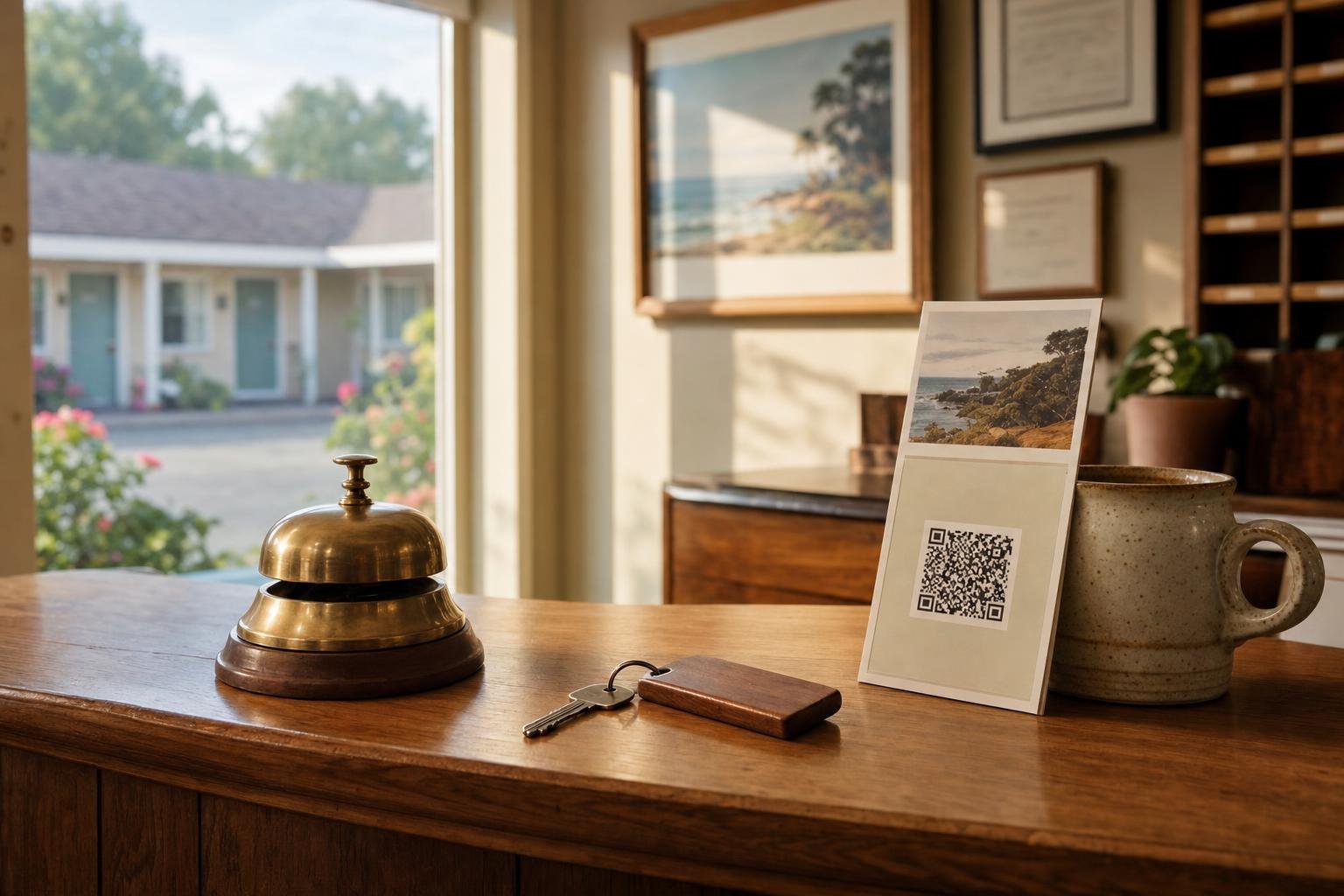
The page also comes with a QR code. That is handy for a sign on the office counter, a flyer for the diner next door, or a card you hand to a guest who says they will be back next spring.
Option 2: the WordPress plugin
If your site runs on WordPress, the Lodging Suite Booking plugin puts availability search, room pages, live rates and a booking form directly on your site. The setup is short:
- In Lodging Suite, go to Settings, Website booking and generate an API key.
- Install the plugin on your WordPress site.
- Paste in the API key and your property ID.
- Use the shortcodes to place the search, results and room pages where you want them.
Guests can search flexible dates, apply coupon codes, and pay by card through Stripe or hold a room without paying, depending on the setting you choose. Every rate, season, closure and restriction you set in Lodging Suite is honored automatically, and there is nothing to sync. See the details on the commission-free booking engine page.
How should a motel handle payment on online bookings?
This is where small properties differ most, so decide it before you launch.
Pay on arrival. The guest reserves and pays at the desk. It is simple and friendly, but it invites no-shows, especially on a sold-out Saturday when a held room could have gone to a walk-in.
Deposit through Stripe. You connect your own Stripe account under Settings, Payment. You can then require a percentage, a fixed amount or the first night. You choose whether to charge now or save the card for later, and whether to capture immediately or at check-in. You can also add a card surcharge up to 10 percent if you want to, and there is a test mode so you can try everything before a real guest does.
Card numbers are never stored in Lodging Suite. Stripe handles them. Stripe's processing fees still apply to card payments, as with any payment provider.
A practical middle ground for many motels: take a first-night deposit on weekends and holidays, and pay on arrival midweek when the risk is lower. Set your rates and seasons first so those rules match how you actually price. The rates and restrictions tools let you do that with weekend adjustments, special dates, length-of-stay discounts and closures. If you turn on the require seasonal rates switch, dates with no price set cannot be sold online by accident.
What about Booking.com and Expedia?
Direct booking does not replace the OTAs for most motels. It sits next to them. The goal is to convert the guests who already know you, like repeat travelers, locals sending relatives, and people who found you on a map, so they book direct instead of paying a commission.
If you do list on Booking.com or Expedia, the Channel Manager add-on keeps rates, availability and restrictions in step with those channels, usually within about a minute of a change. OTA bookings arrive as reservations automatically, so the tape chart stays accurate. It costs $29 per property per month, and the team switches it on for you. If you only use an OTA occasionally, a property without the Channel Manager can still record a booking made through Booking.com or Expedia as a reservation with its confirmation number.
What does motel management software with online booking cost?
Lodging Suite is priced per room per month, with no setup fee and no contract:
- 1 to 49 rooms: $5.99 per room per month
- 50 to 99 rooms: $5.49 per room per month
- 100 rooms or more: $4.99 per room per month
A 24-room motel would pay $143.76 a month for the full property management system, and that includes the booking page and the WordPress plugin. Optional add-ons are priced separately per property per month: Channel Manager $29, Smart Pricing $99, and Virtual Front Desk $29 including 100 minutes, then $0.20 per minute. See pricing for the full breakdown.
Whatever system you choose, ask what is included in the base price and what is an add-on. Compare the total for the features you will actually use.
What does the rest of the motel day look like with one system?
Online booking is only half of the value. The reservation that comes in at midnight should flow into the rest of your day without anyone touching it.
- At the desk, the tape chart and check-in tools show the new booking beside your walk-ins. You can drag to move or resize a stay, or close a room for repair.
- Before arrival, online check-in lets guests handle details ahead of time, so the desk line is shorter.
- After checkout, the room appears as dirty on the housekeeping board, and staff see their tasks in the staff app on their phones.
- When the phone rings after hours, the Virtual Front Desk can answer, book a room and text a secure pay link. It is an add-on, and our piece on AI answering services for hotels explains how that works and what it costs.
What mistakes should motel owners avoid?
- Launching without finishing rates. If a future date has no price, a booking page has nothing sensible to show. Set seasons and weekend rates first.
- Forgetting to close rooms. If room 8 is out of order, close it on the tape chart so it stops being sold anywhere.
- Hiding the booking link. Put Book Now at the top of every page and on your Google Business profile, not buried in a footer.
- Skipping a test booking. Book a room yourself in Stripe test mode, then check how the reservation, the confirmation email and the payment look from your side.
- Not exporting before you leave a system. Whatever you use, make sure you can export guests, reservations and stay history.
Try it on your own motel
The quickest way to judge motel software is to set up your own rooms and book one. Start the 30-day free trial with no credit card. The signup wizard walks you through your property, room types and rooms, and creates a default Best Available Rate plan for you. You can also look around first in the live demo. If you get stuck, support is available by email, live chat and remote screen share.
Frequently asked questions
What is the best motel management software with online booking?
The best fit is a PMS where the booking page reads the same rooms, rates and closures as your front desk, works with your website, and has simple per-room pricing. Lodging Suite offers a hosted booking page, a WordPress plugin and per-room pricing starting at $5.99 per room per month.
Can I add online booking to a Wix or Squarespace motel website?
Yes. With Lodging Suite, an owner or manager turns on the hosted booking page under Settings, Website booking, then links a Book Now button to it or pastes the embed code into the site. An iframe version is available for builders that block scripts.
Do guests have to pay when they book online?
That is your choice. With Stripe connected, you can require a deposit as a percentage, a fixed amount or the first night, or save the card for later. You can also let guests hold a room without paying and collect at the desk.
Does online booking double-book rooms?
Not when booking and the PMS share one inventory. In Lodging Suite, the booking page uses the same rooms, rates, closures and restrictions as the tape chart, so there is nothing to sync. If you also use OTAs, the Channel Manager add-on keeps those channels updated within about a minute.